
Conference Room Configurator
Design your ideal meeting space
1) Choose a Solution

Enterprise
Conference rooms with the right AV for meetings.

Education
Smart classrooms, lecture capture, and hybrid learning.
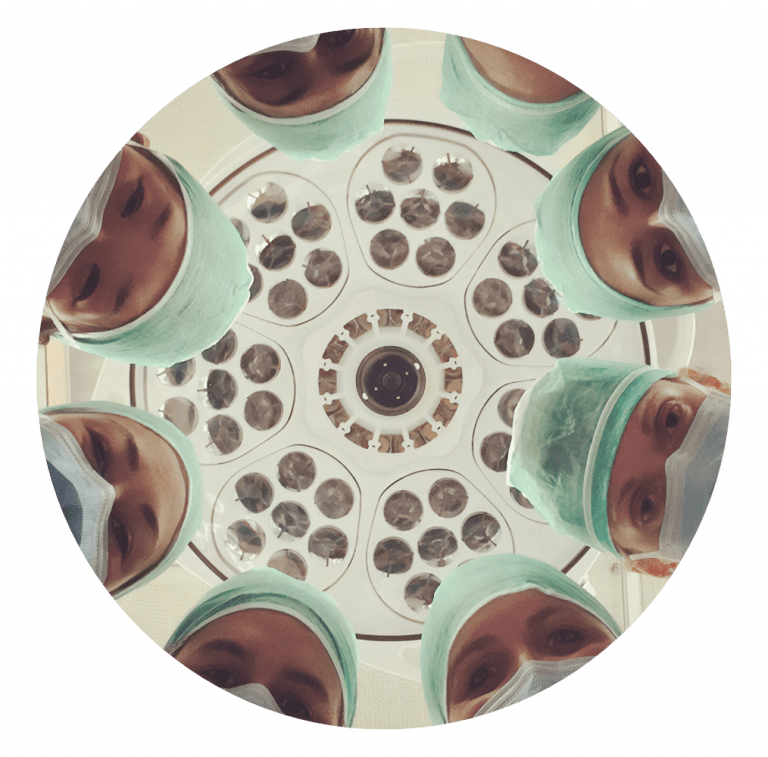
Healthcare (Under Care)
We'll add this next.
2) Choose Room Size (Enterprise)
Room Preview
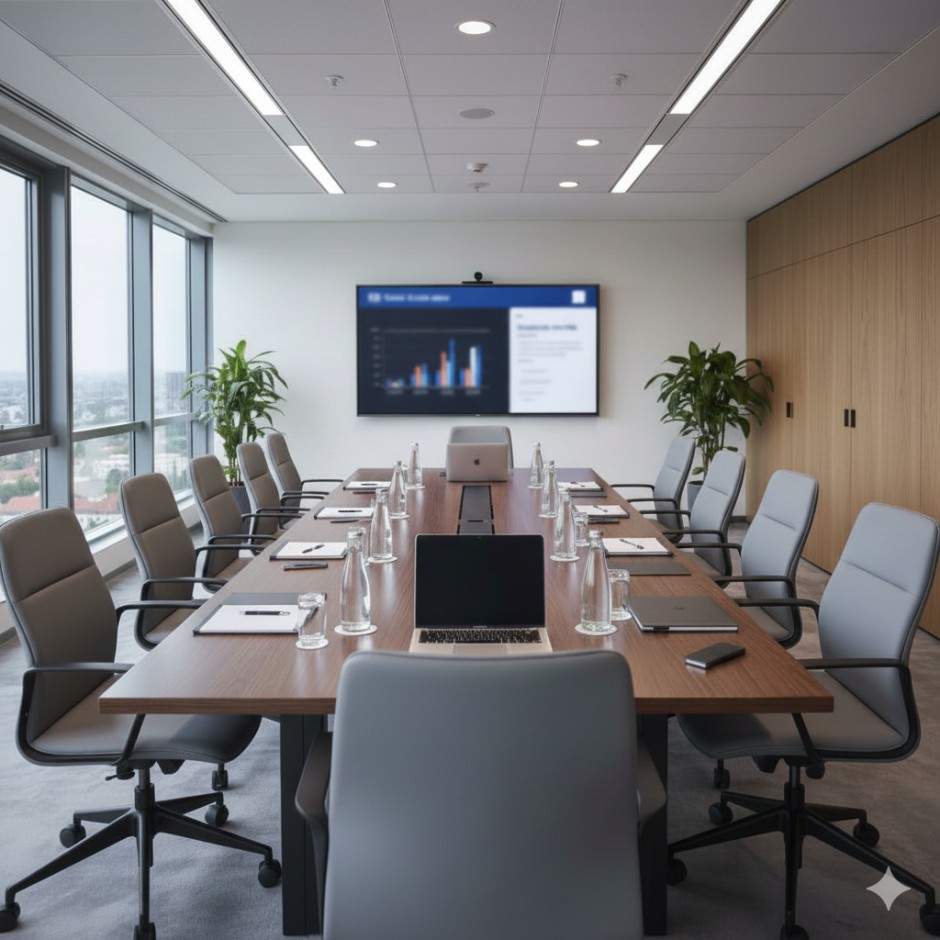
Rooms
3) Select Camera (Enterprise)
Your Current Design
Cameras
4) Select Speakerphones (Enterprise)
Your Current Design
Speakerphones
2) Choose a Classroom Type (Education)
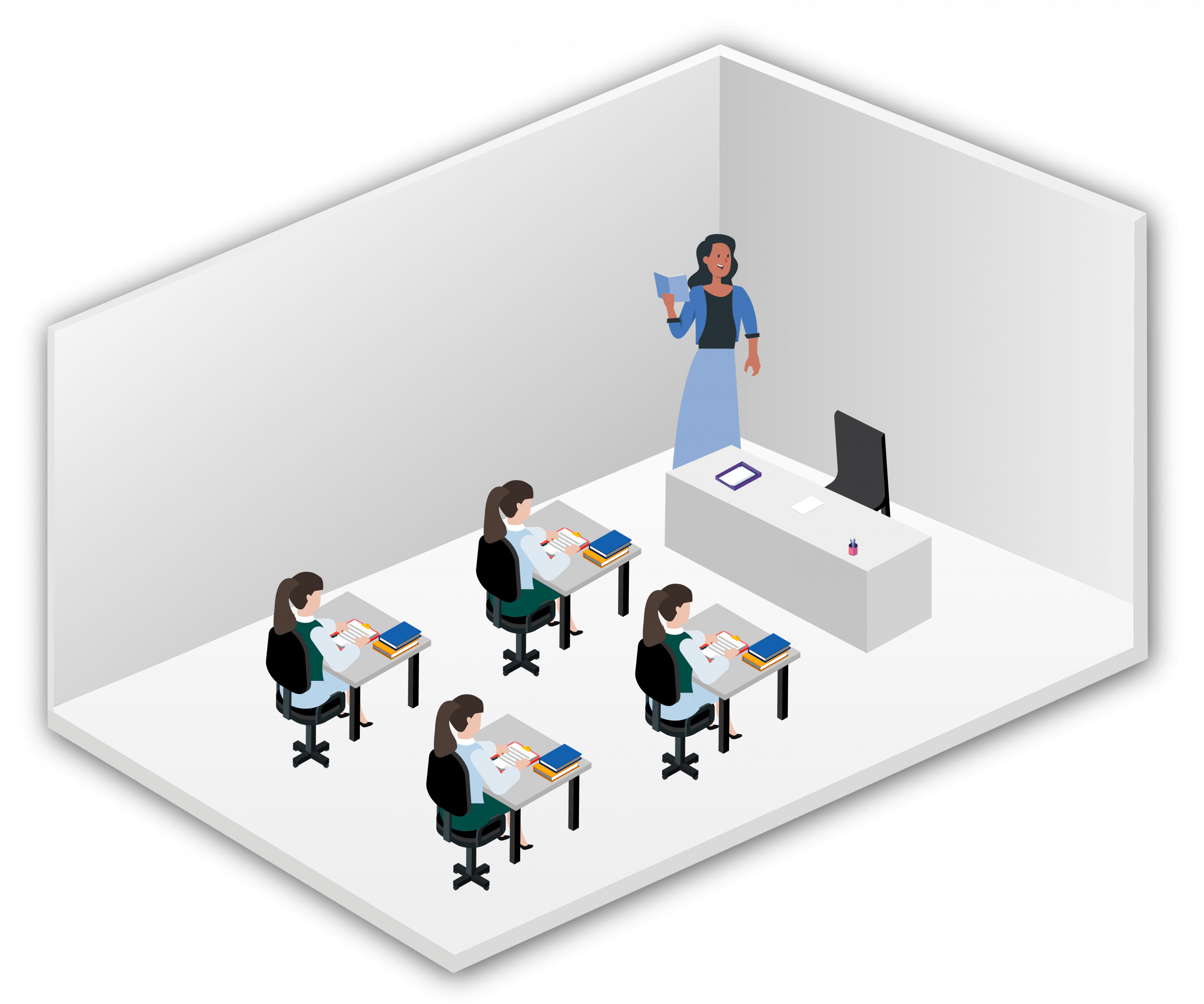
Smart Classroom
Interactive display & student camera.
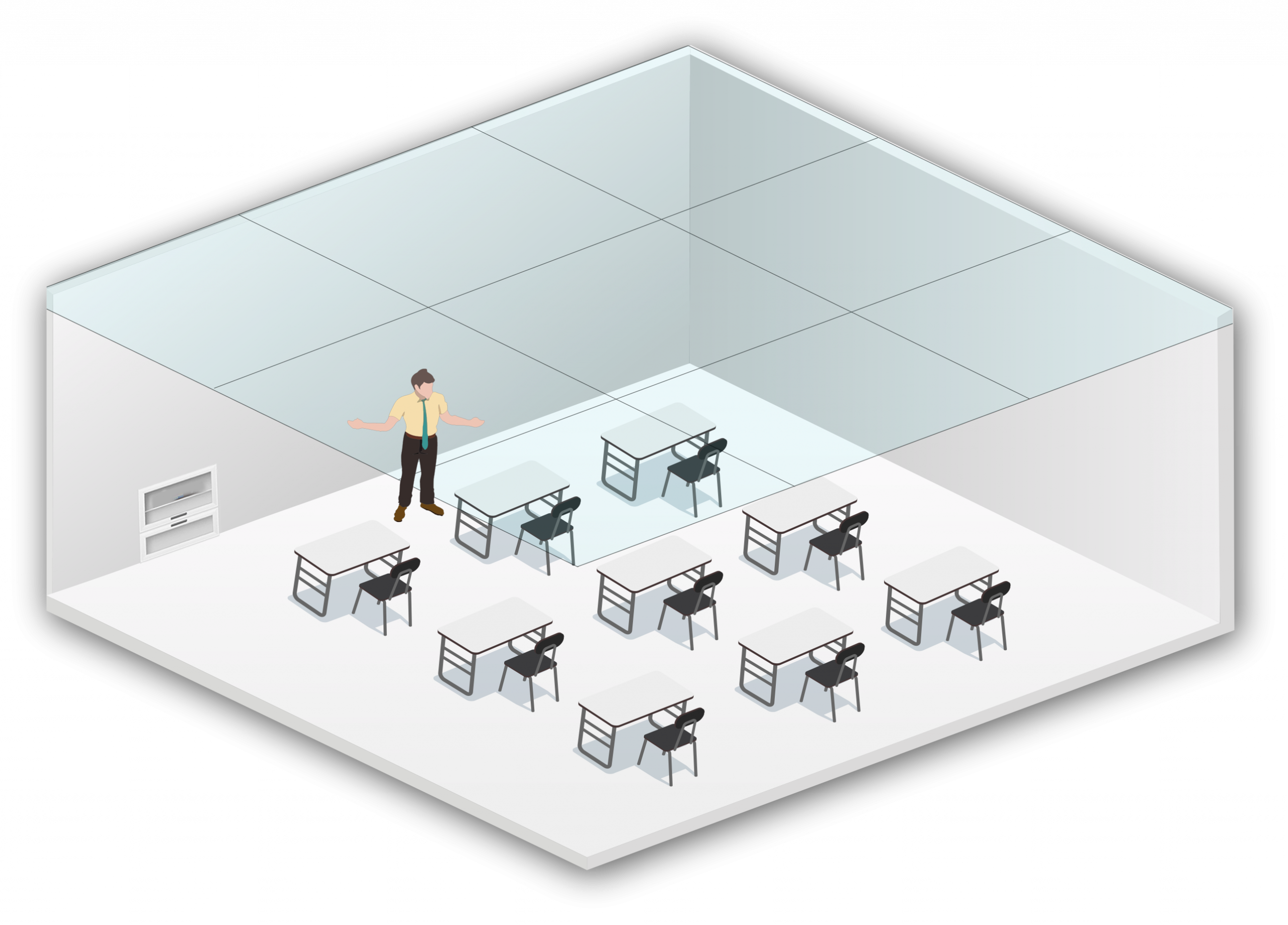
Lecture Capture
Displays, lecture cameras, audio, recorders.
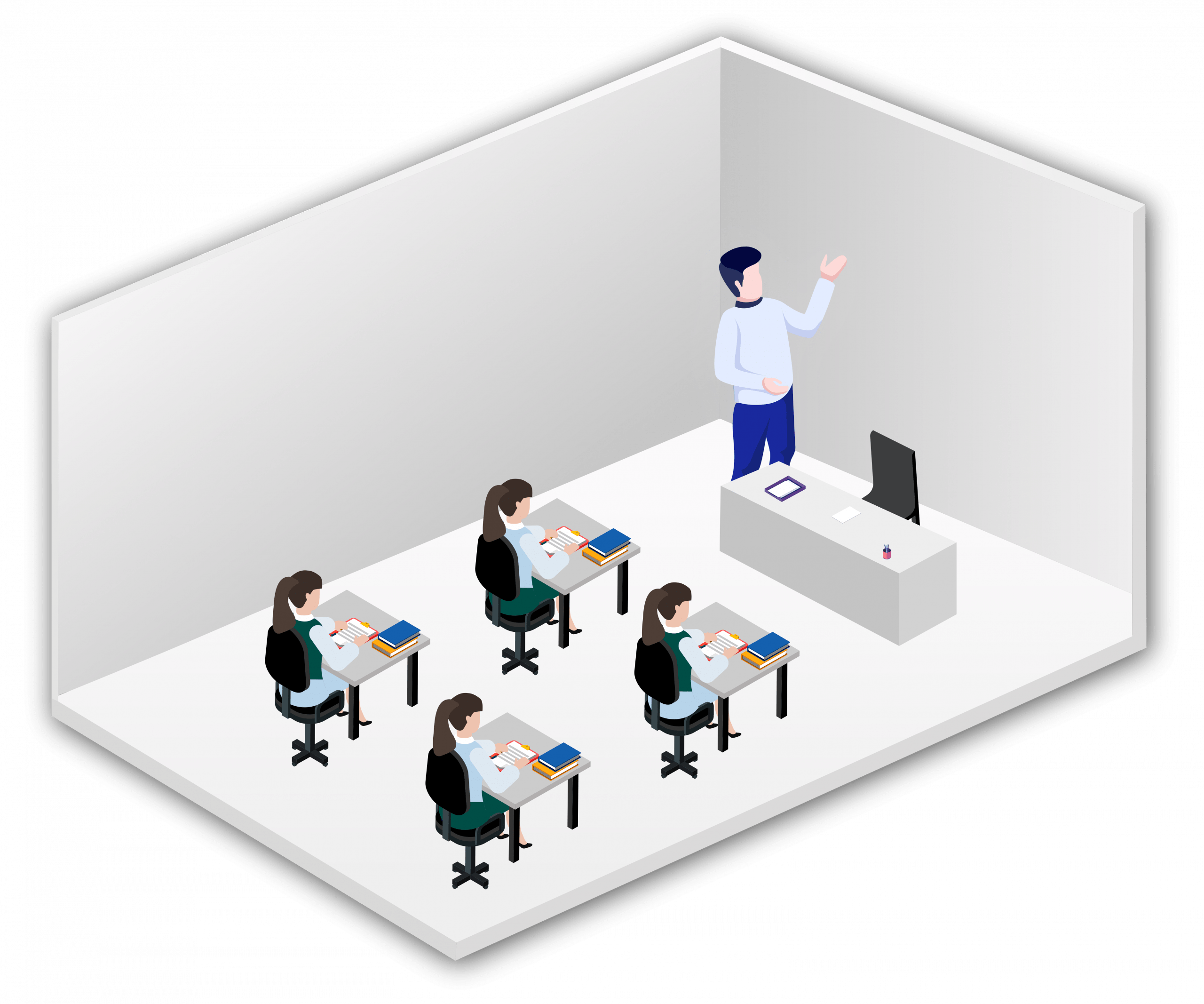
Hybrid Classroom
Hybrid learning setups.
3) Select Products
Your Current Design
Products
Lecture Capture — Build your setup
Live Preview
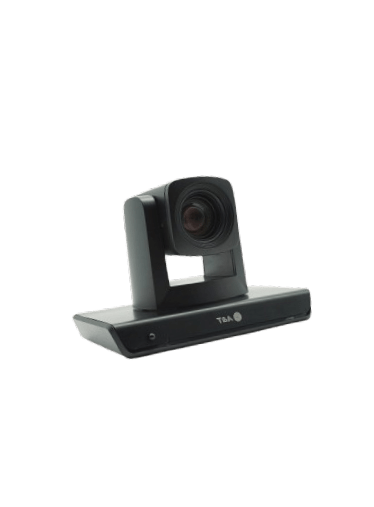
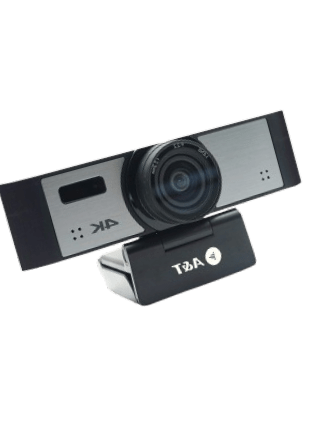



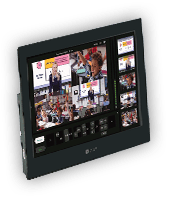

Step 1 — Displays
1 / 7
Preview updates live as you choose products. You can go back to change selections.