

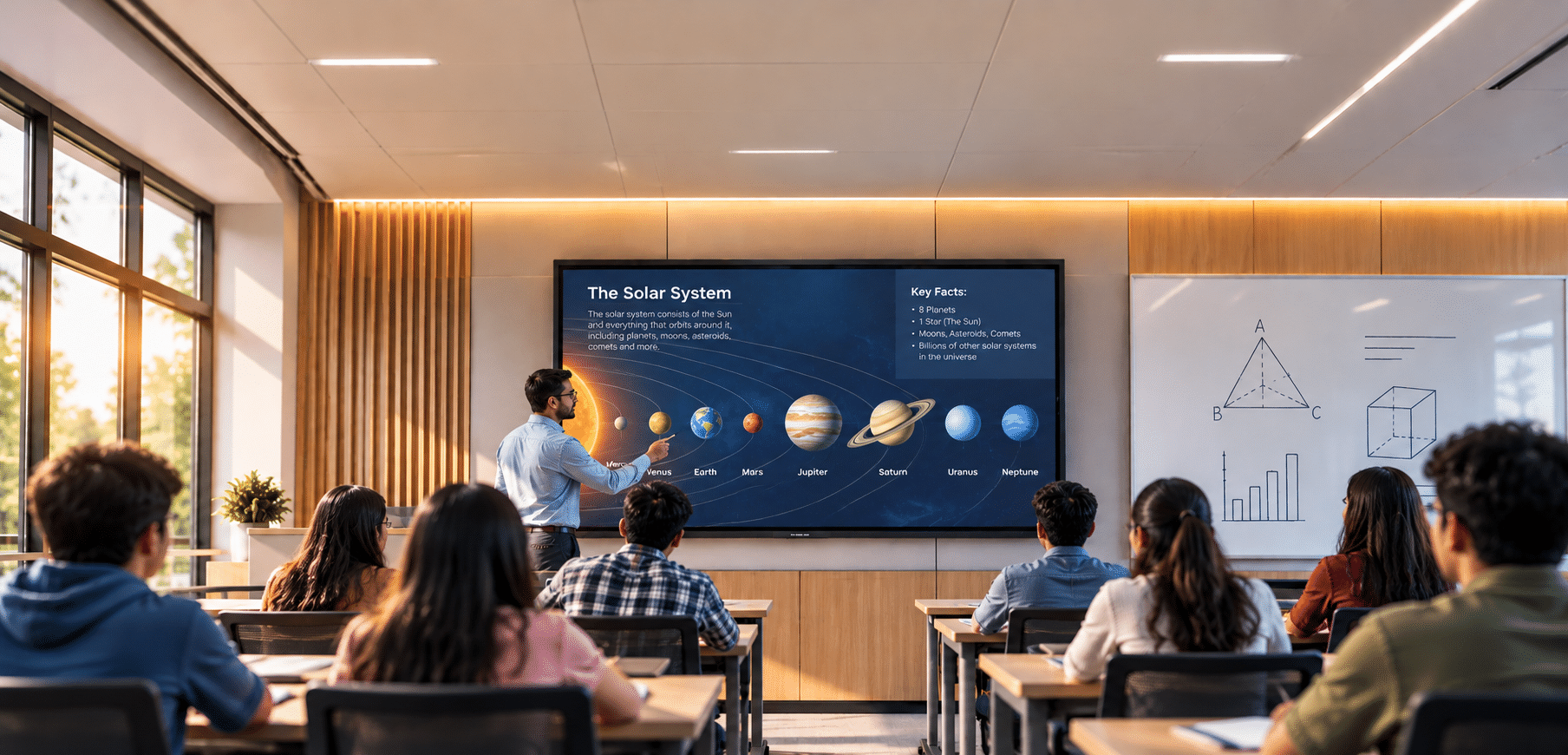

Be honest. How many minutes of your last class went into getting the laptop to connect?
If you’ve ever watched a teacher wrestle with cables while thirty students wait, or heard a remote student say “Sorry, can you repeat that?” for the third time, you already know the truth. A classroom full of technology isn’t the same as a smart classroom.
So what makes the difference? Here are five things we’d tell anyone planning one.
1. Start with goals, not gadgets
Here’s a question worth asking before you buy anything: how do you actually want to teach?
Group work, hybrid lessons, flipped classrooms and digital assessment all need different tools. Get the goals clear first and every device earns its place. Skip this step and you’ll likely end up with expensive equipment that nobody touches.
2. Sound first, then screen
Think about the last online lecture you sat through. Was the problem the picture, or the sound?
Nine times out of ten, it’s the sound. That’s why audio comes first. Ceiling or beamforming microphones with good speakers make sure every word reaches every student, in the room or at home. Then add an interactive flat panel of 65 to 86 inches, sized for the back row, and an auto-tracking camera if you run hybrid or recorded lectures.
3. Make it one-touch simple
If a teacher needs a manual to start class, something’s gone wrong.
Wireless presentation lets anyone share from their own device. A single control panel runs the whole room. And when every classroom has the same layout, a teacher who knows one room knows them all. 4. Build a strong backbone What happens when forty students connect their devices at the same time? If your Wi-Fi isn’t planned for it, you’ll find out mid-lesson. Build the network for full capacity, connect the room to your LMS, whether that’s Google Classroom, Moodle or Microsoft Teams, and set up secure logins. Central device management lets IT spot and fix problems remotely, often before anyone notices.
4. Build a strong backbone
What happens when forty students connect their devices at the same time? If your Wi-Fi isn’t planned for it, you’ll find out mid-lesson.
Build the network for full capacity, connect the room to your LMS, whether that’s Google Classroom, Moodle or Microsoft Teams, and set up secure logins. Central device management lets IT spot and fix problems remotely, often before anyone notices.
5. Invest in people
The best equipment won’t help if teachers aren’t confident using it.
Run hands-on training, not slide-show demos. Name a tech champion in each department. Track how rooms are used, ask students what’s working and plan a hardware refresh every three to five years.
Bonus: Mind the room
Ever tried reading a screen with the sun shining on it? Blinds, acoustic panels, flexible furniture and enough power points all decide how well the technology performs.
Quick check: how smart is your classroom?
Count how many of these you can say yes to:
- Our teaching goals came before our tech purchases
- Every student can hear clearly, including remote ones
- Teachers can start a class with one touch
- Our Wi-Fi holds up when every device connects
- Teachers have had hands-on training
- The room is free of glare, echo and power-point hunts
5 or 6: You’re in great shape. 3 or 4: A few tweaks will go a long way. 2 or fewer: It’s time for a rethink, and that’s a good place to start.
Over to you
What’s the one thing that gets in the way of a smooth lesson in your classrooms? We’d love to hear it.